Software & Services · 3 minute read
Local and cloud AI tools: where the work happens
The interface can look identical while the data path, hardware burden, and failure modes are very different.
Published August 13, 2026 · By Technified
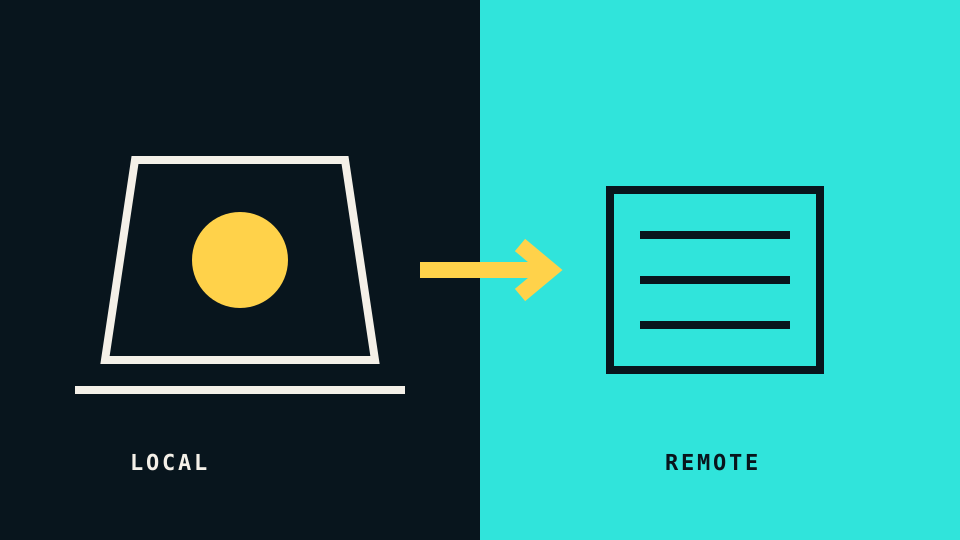
“Runs with AI” says little about where the work happens. A feature can process everything on your device, send the full input to a remote service, or divide the task between both places. The same text box can hide any of these designs.
The location matters because it changes latency, privacy, hardware requirements, cost, and what happens when the network fails.
Local processing
A local model runs on hardware you control. Input can stay on the device if the surrounding application also stays local. That can be useful for offline work, repeated tasks, and material that should not leave the machine.
Local does not automatically mean private. An application can run the model locally while still sending telemetry, document metadata, crash reports, or selected features to a server. It can also save prompts to an unencrypted local history. The model location is only one part of the data path.
Local processing also has a resource cost. Memory capacity, graphics hardware, storage space, battery use, and cooling can limit model size or speed. A smaller local model may be responsive for a narrow task while producing weaker results on a complex one.
Cloud processing
A cloud service runs the model on remote infrastructure. This gives the provider room to operate larger models and update them without changing your device. It also makes your connection, account, service availability, and usage limits part of the feature.
The main privacy questions are concrete:
- Is the complete input transmitted?
- Is it retained after the response?
- Can it be used to improve a model?
- Can a workspace administrator change those settings?
- Which region processes or stores the data?
- Can you delete the history and related files?
Public-cloud security is a shared responsibility. NIST’s cloud security and privacy guidance frames cloud use as a decision that needs governance, risk assessment, and clarity about responsibilities. A consumer tool uses simpler language, but the same basic question remains: which controls belong to you, and which belong to the service?
Hybrid processing
Many useful features are hybrid. A device may detect a wake word locally and send audio only after activation. An editor may perform formatting locally but send a selected paragraph for rewriting. A photo application may build a local index while using a server for generative changes.
Hybrid designs should make the boundary visible. Look for indicators such as a download size for an on-device model, an offline mode, a network activity notice, or separate controls for cloud features.
A test you can perform
You can learn a great deal without reverse engineering the application:
- Read the feature-specific privacy notice, not only the general policy.
- Turn off the network and repeat a small task.
- Check whether the tool distinguishes local and online modes.
- Review history and deletion controls.
- Inspect operating-system network and storage permissions.
- Use non-sensitive sample data until the path is clear.
An offline test is not proof that no data is sent later. It is a way to identify which part of the feature depends on remote processing.
Choose by workload, not by label
Local processing fits repeatable tasks, offline work, and data that must stay under direct control. Cloud processing can fit demanding tasks, collaboration, and devices without enough local capacity. Hybrid processing can balance the two when its boundary is clear.
The useful choice begins after the “AI” label: where the input goes, how long it remains, and what control you retain.